Onefin
- Product
- Enterprise finance platform
- Role
- Product Designer
- Engagement
- Sole designerVia Exalt Studio
- Timeframe
- 2025–2026
Making complex financial workflows feel simple.
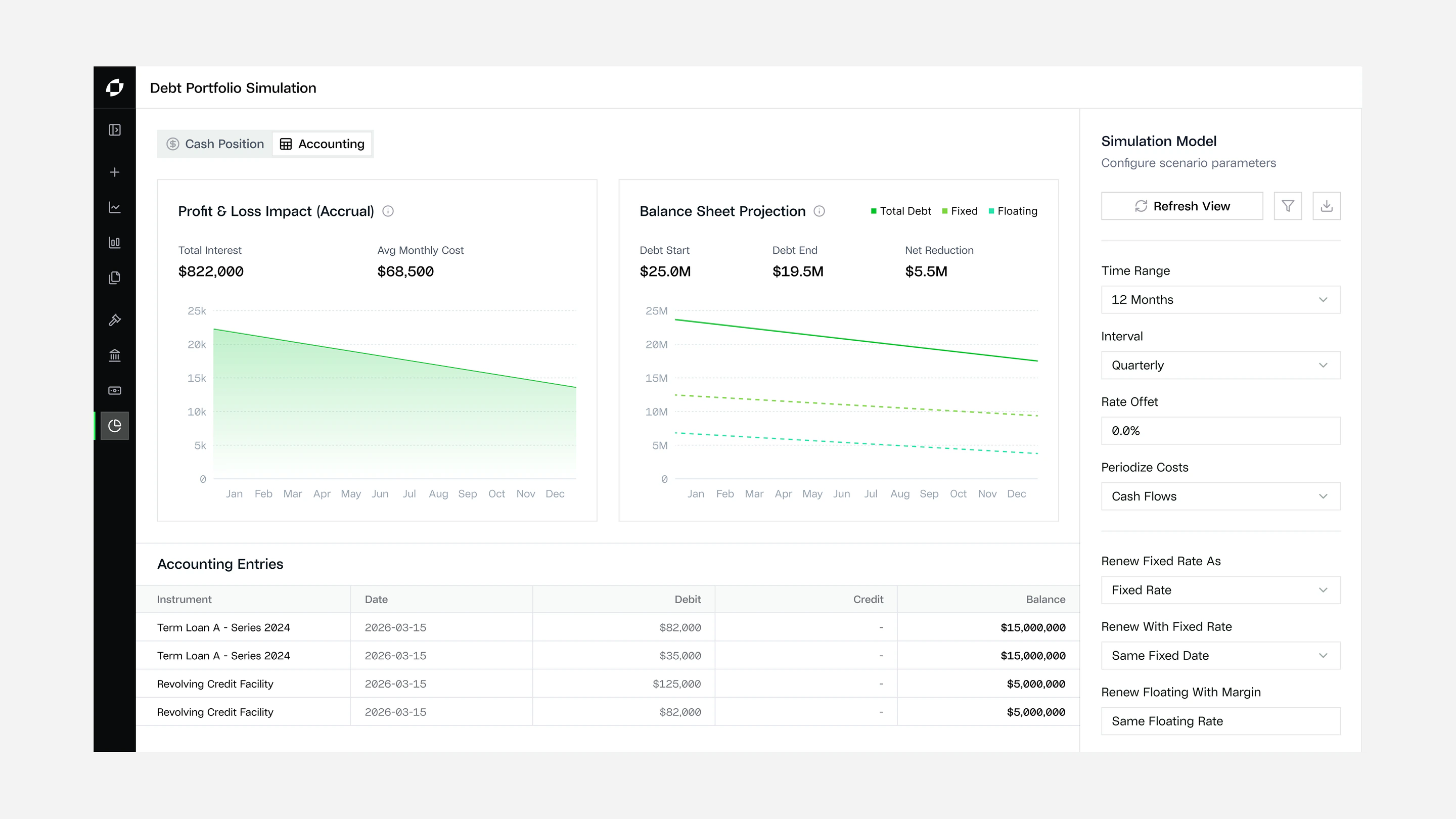
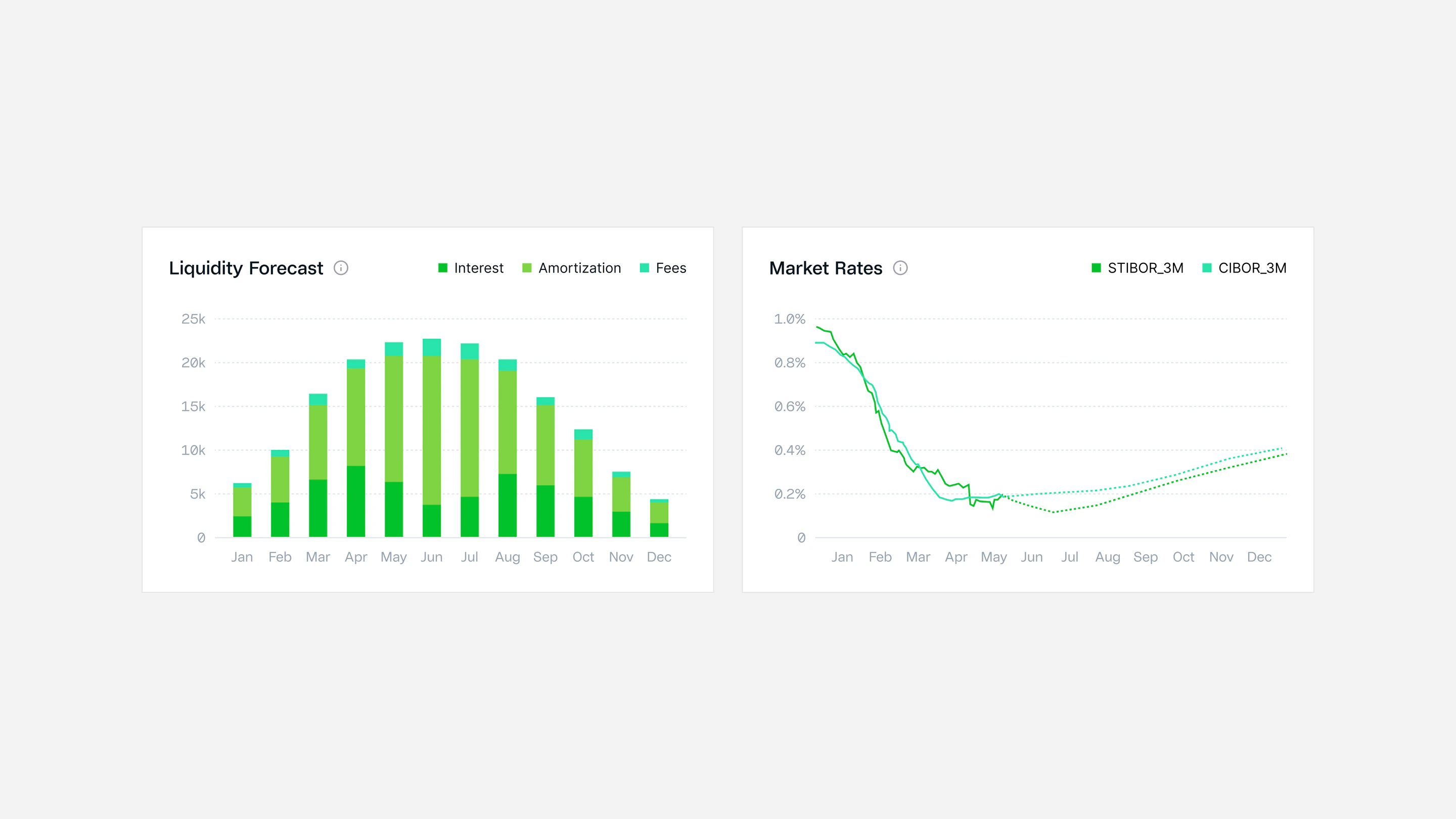
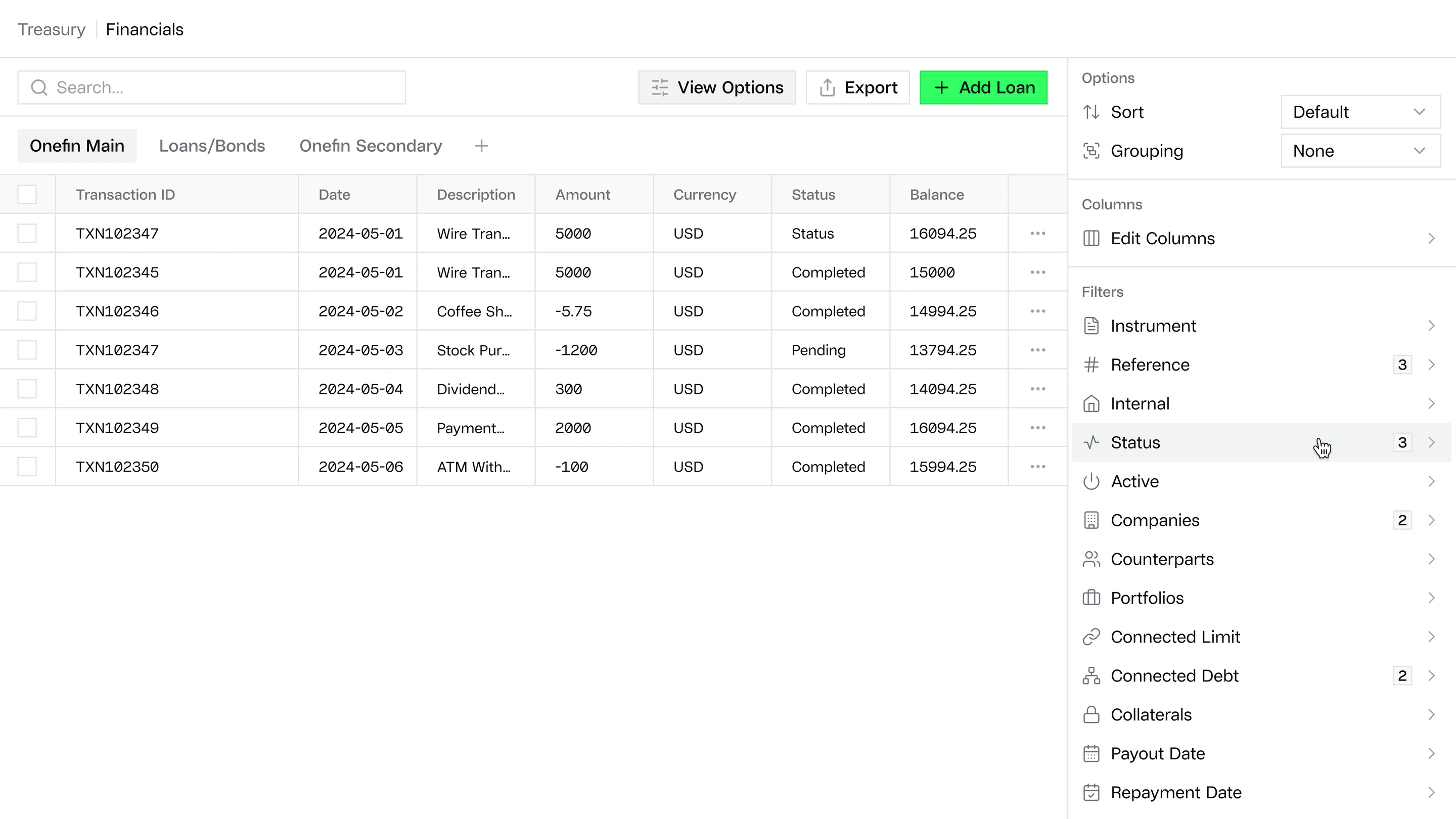
Onefin is a Swedish enterprise finance platform. Finance teams use it to manage loans, collateral, treasury and cash, and to model how their debt portfolio will develop.
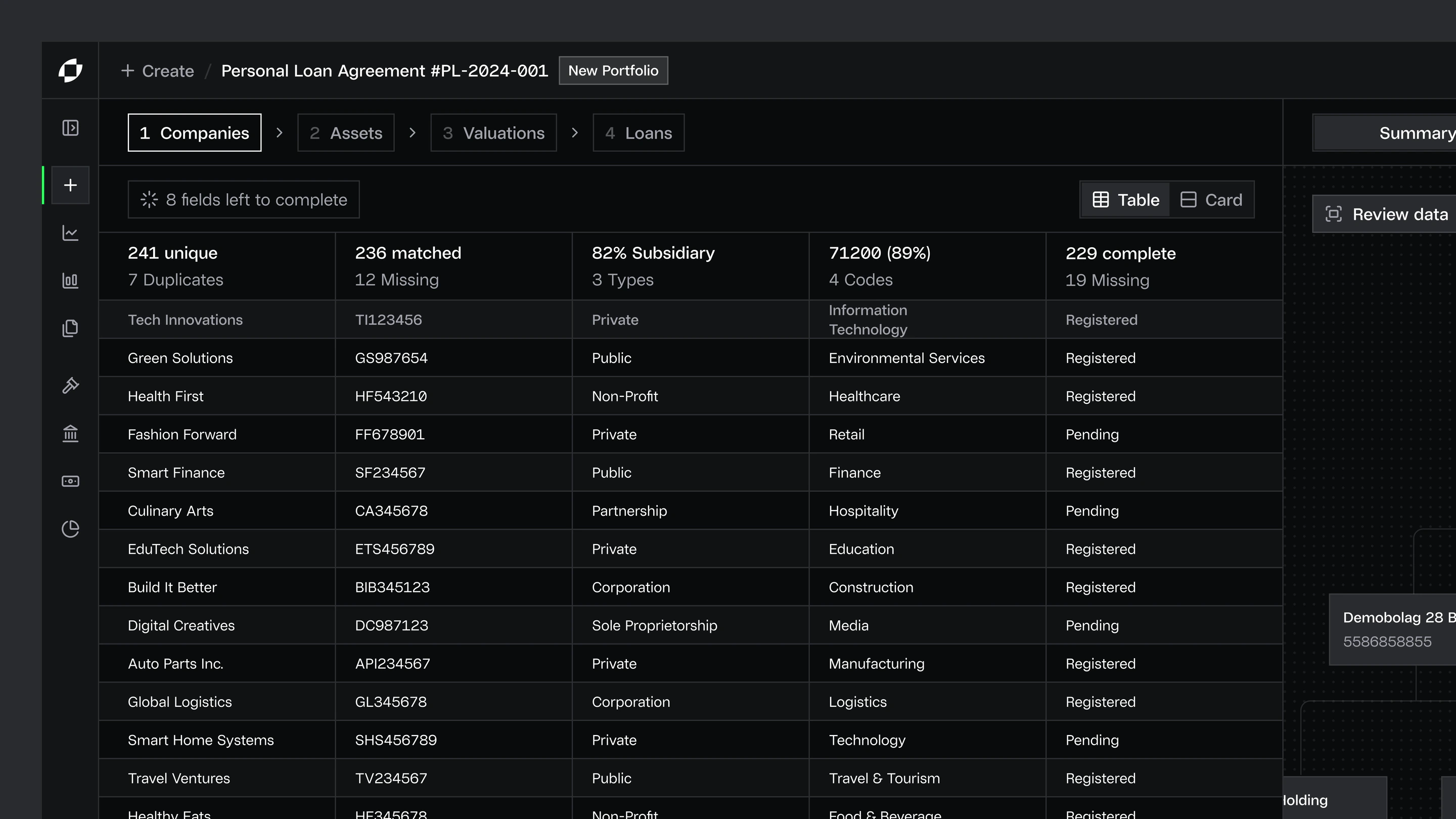
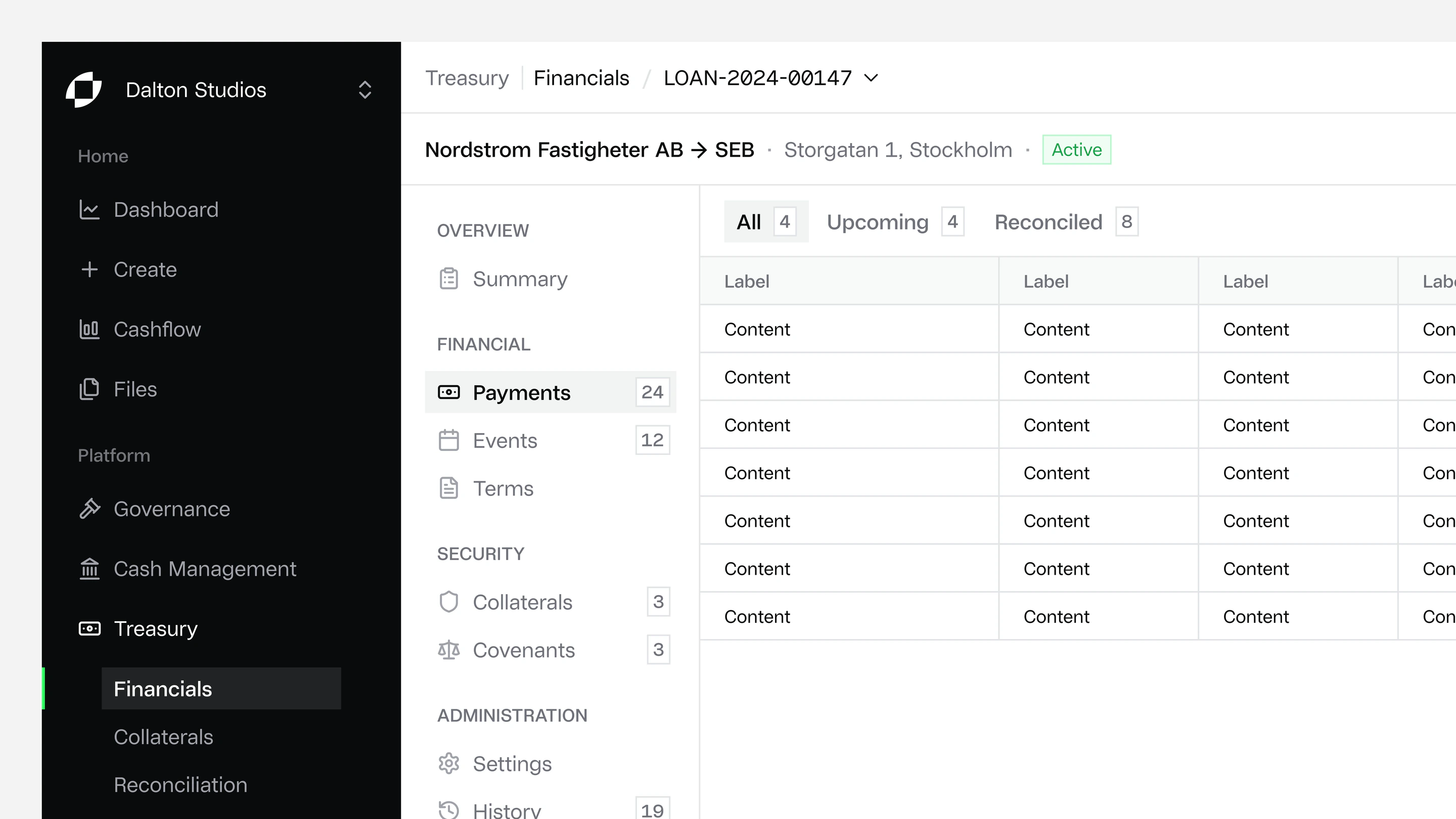
The product had built up design debt: a messy interface, tricky navigation and dense pages. Entering business information, already one of the most demanding parts of the workflow, needed a clearer way for users to provide the details the product required.
My role
I was the only designer on the project, working through Exalt Studio. I redesigned the product experience, with a particular focus on how users enter and manage business information, and built a new design system and visual direction for the product.
Key decisions
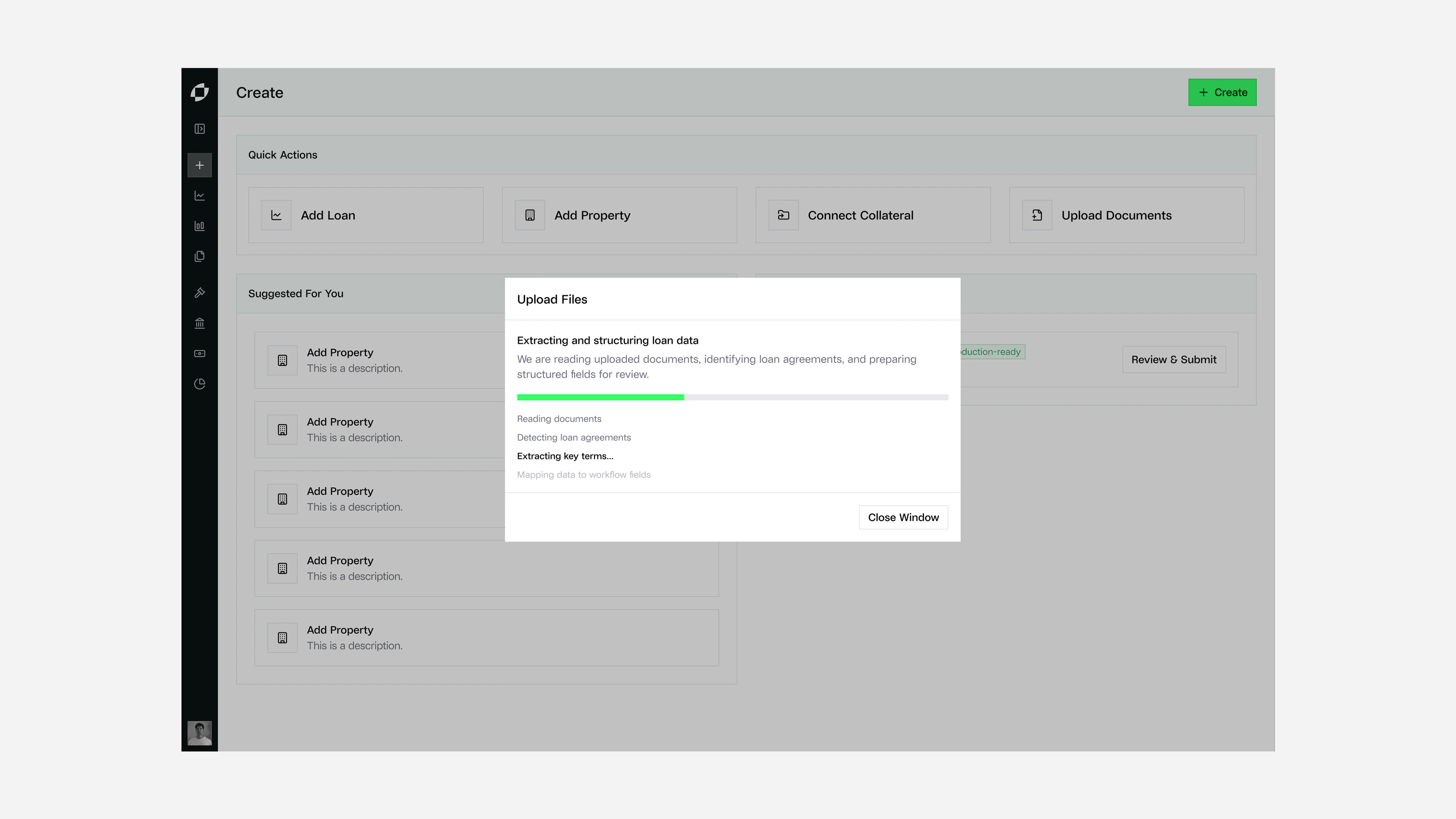
Guide data entry step by step
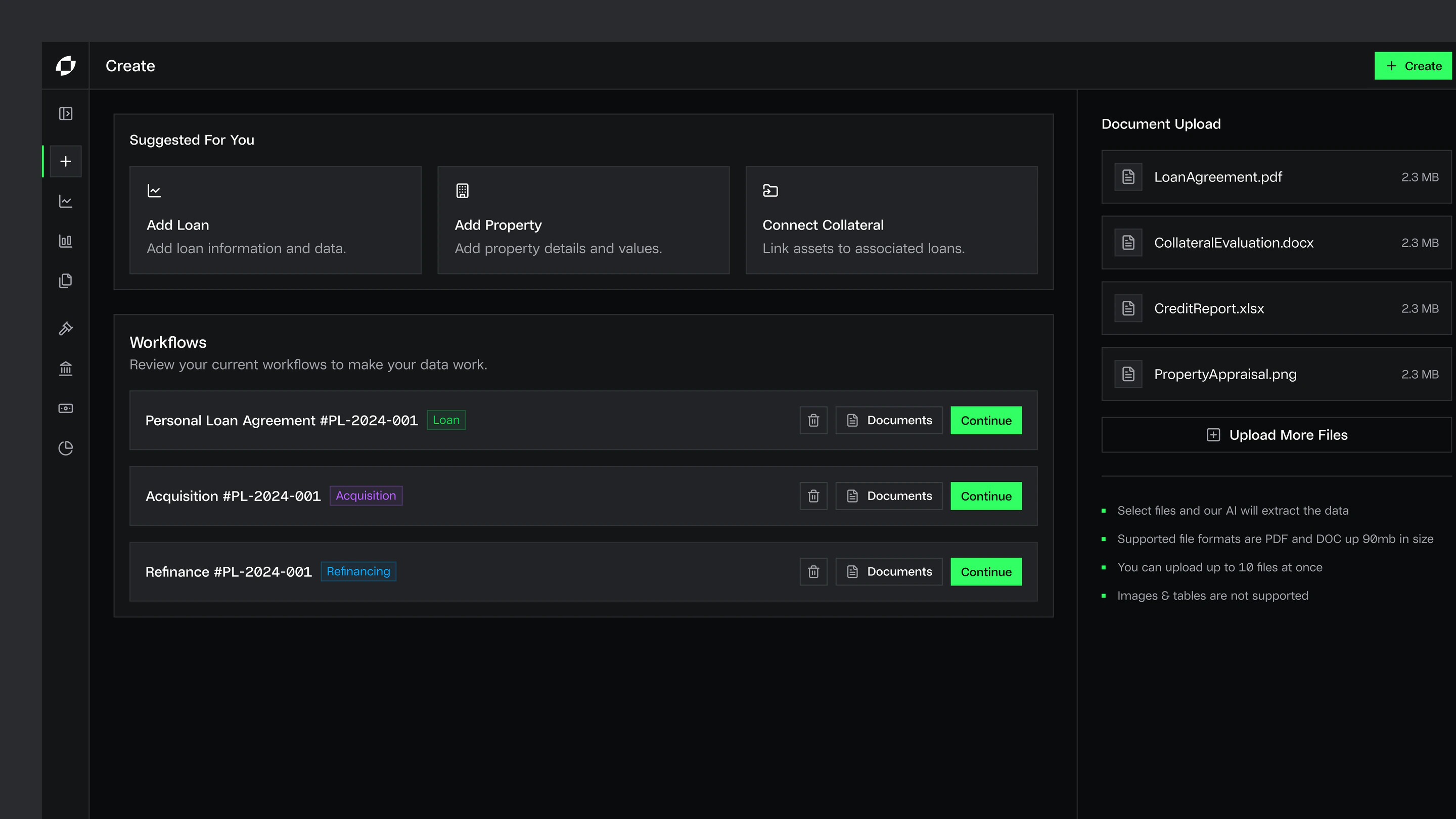
Setting up a loan means providing company, asset, valuation and loan details. I broke the task into clear steps and showed what still needed attention, such as how many fields were left and where data was missing or duplicated, so users could see their progress and fix gaps before reviewing.
Build the system for the developers
I built the design system to be compatible with shadcn, so each component in the designs had a counterpart in code. That let Onefin’s developers build new UI efficiently and keep it consistent as the platform evolved.
Outcome
A clearer product experience that makes a complex part of Onefin’s workflow easier to complete, and a polished, consistent design system the team could implement and keep building on.
Selected screens