AeroTrack
- Client
- AeroTrack
- Product
- ERP for engine repair shops
- Role
- Product Designer
- Engagement
- Sole designer4 months
- Timeframe
- 2025
Bringing clarity and consistency to complex repair operations.
AeroTrack is an ERP for aircraft engine repair shops. It tracks each repair through work orders, parts, procurement, inventory and shipping.
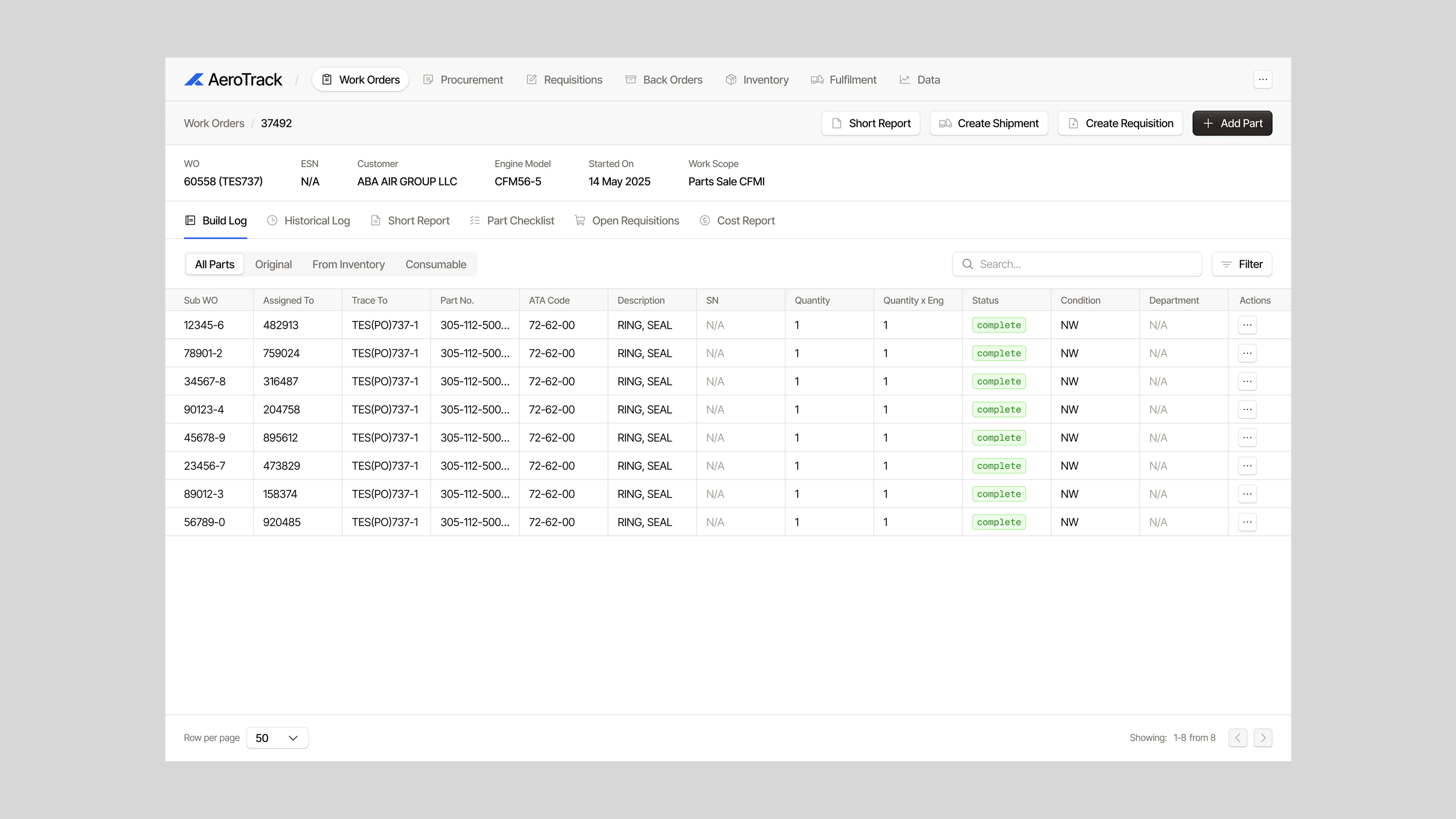
Its screens are dense by necessity: part numbers, ATA codes, serials, conditions and quantities, used by people keeping real repairs moving. The challenge was to make that density workable, and to make connected workflows feel like one product.
My role
I was the only designer for the four-month engagement, redesigning the product across work orders, procurement, inventory and the operational workflows that connect them.
Key decisions
Make records quick to scan
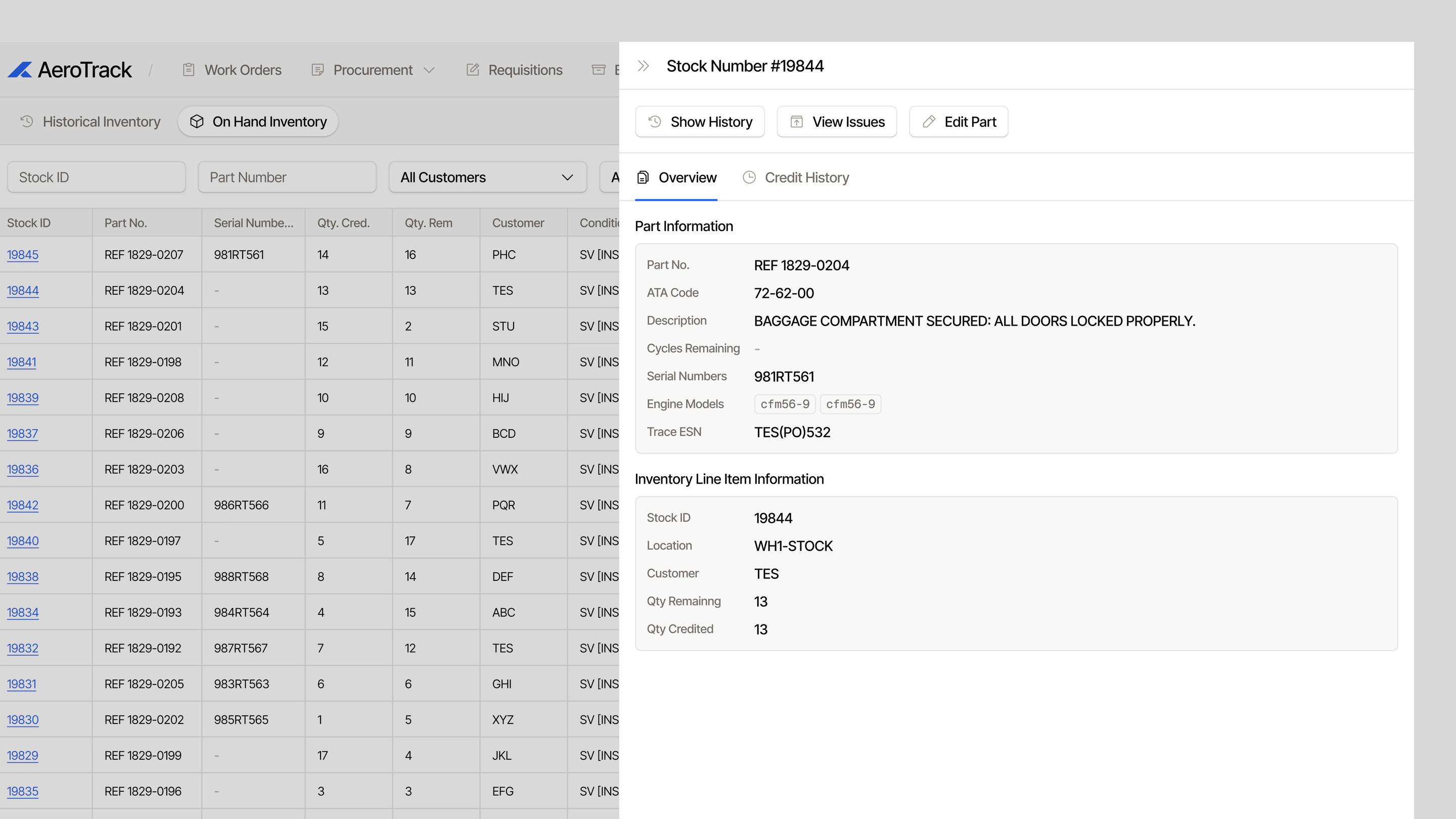
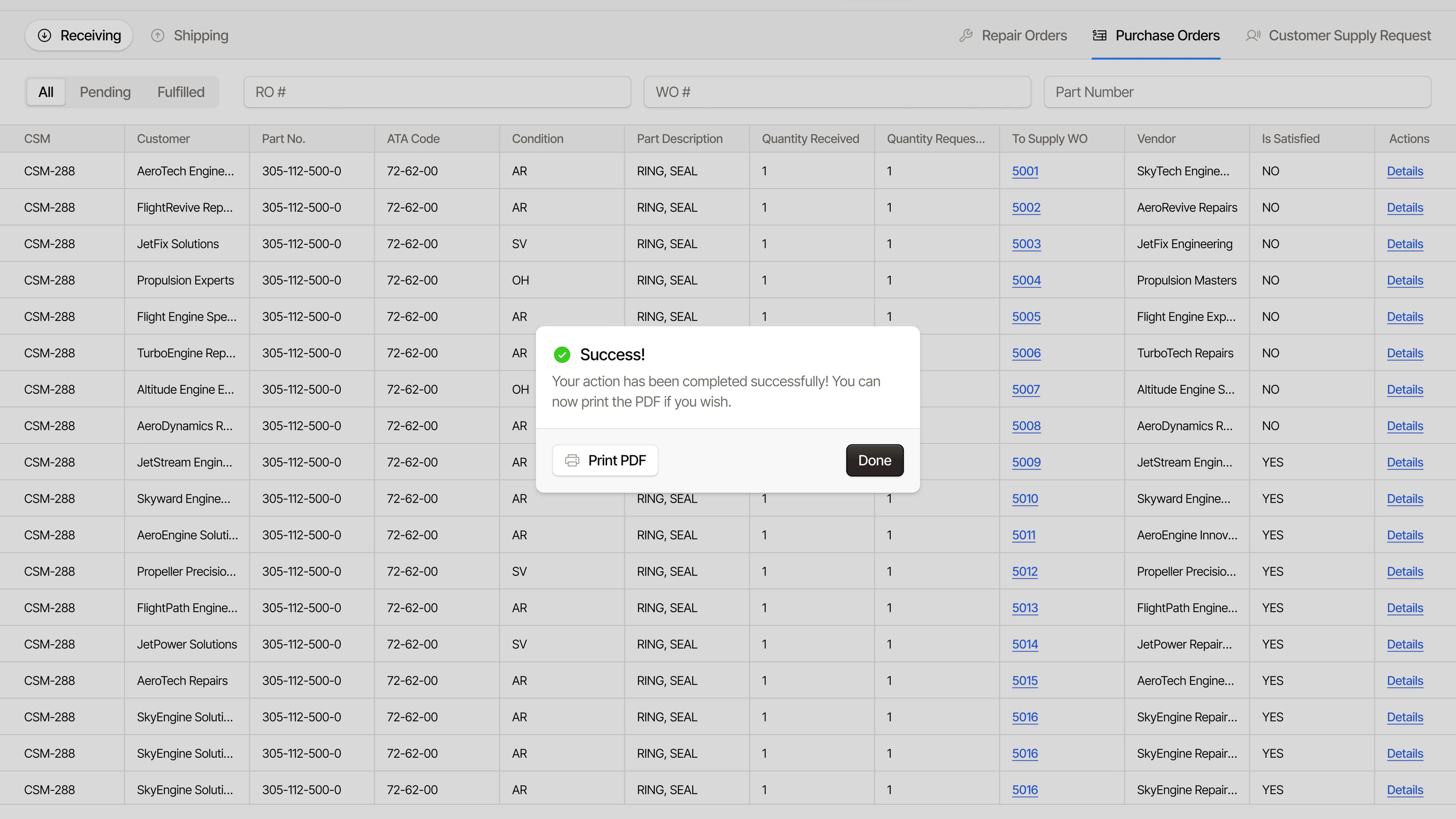
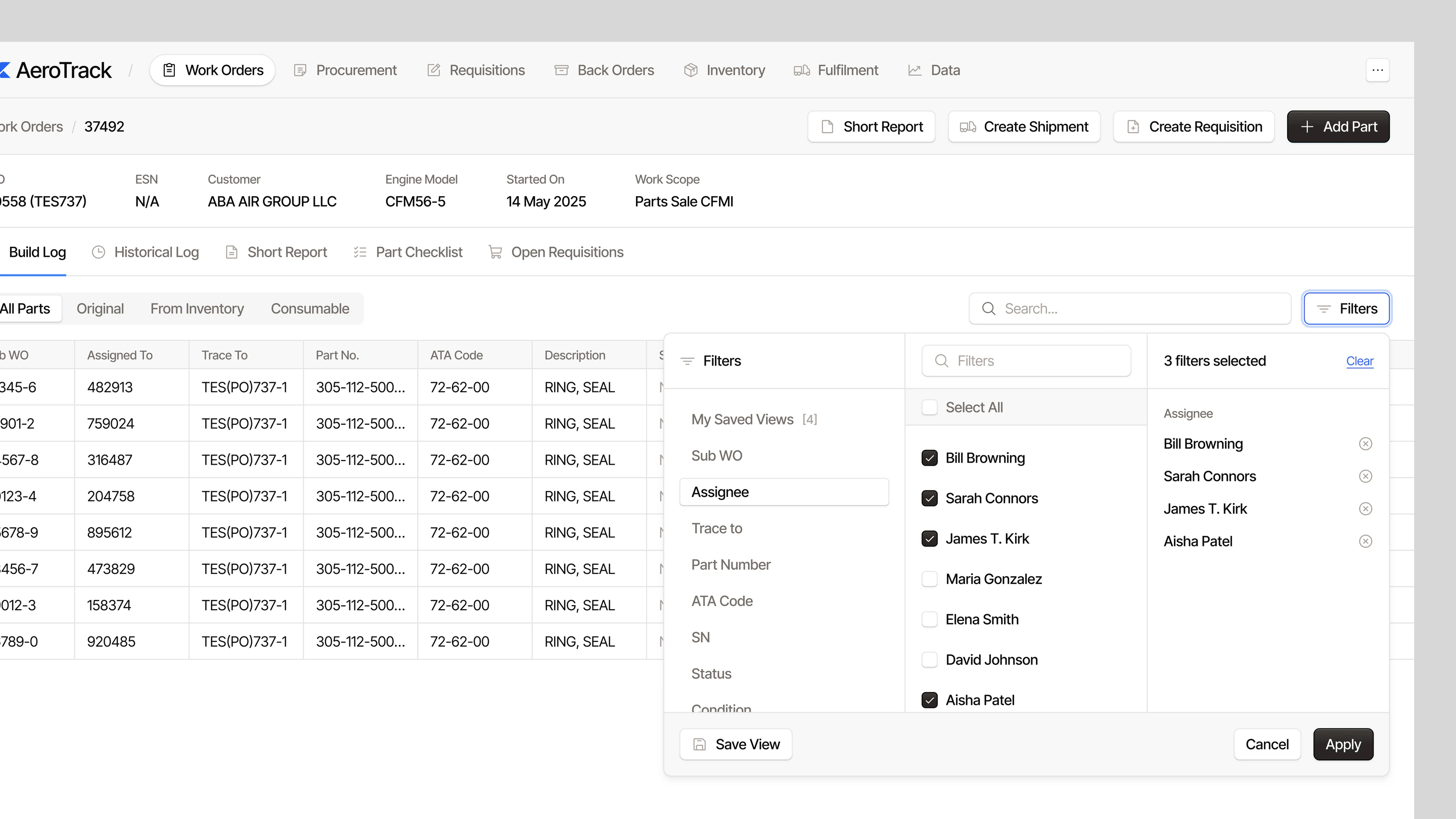
Most of the work happens in long tables of parts and orders. I focused on consistent columns, clear status labels and filters above each list, so people can find the record they need and see its state without opening it.
Keep context while acting
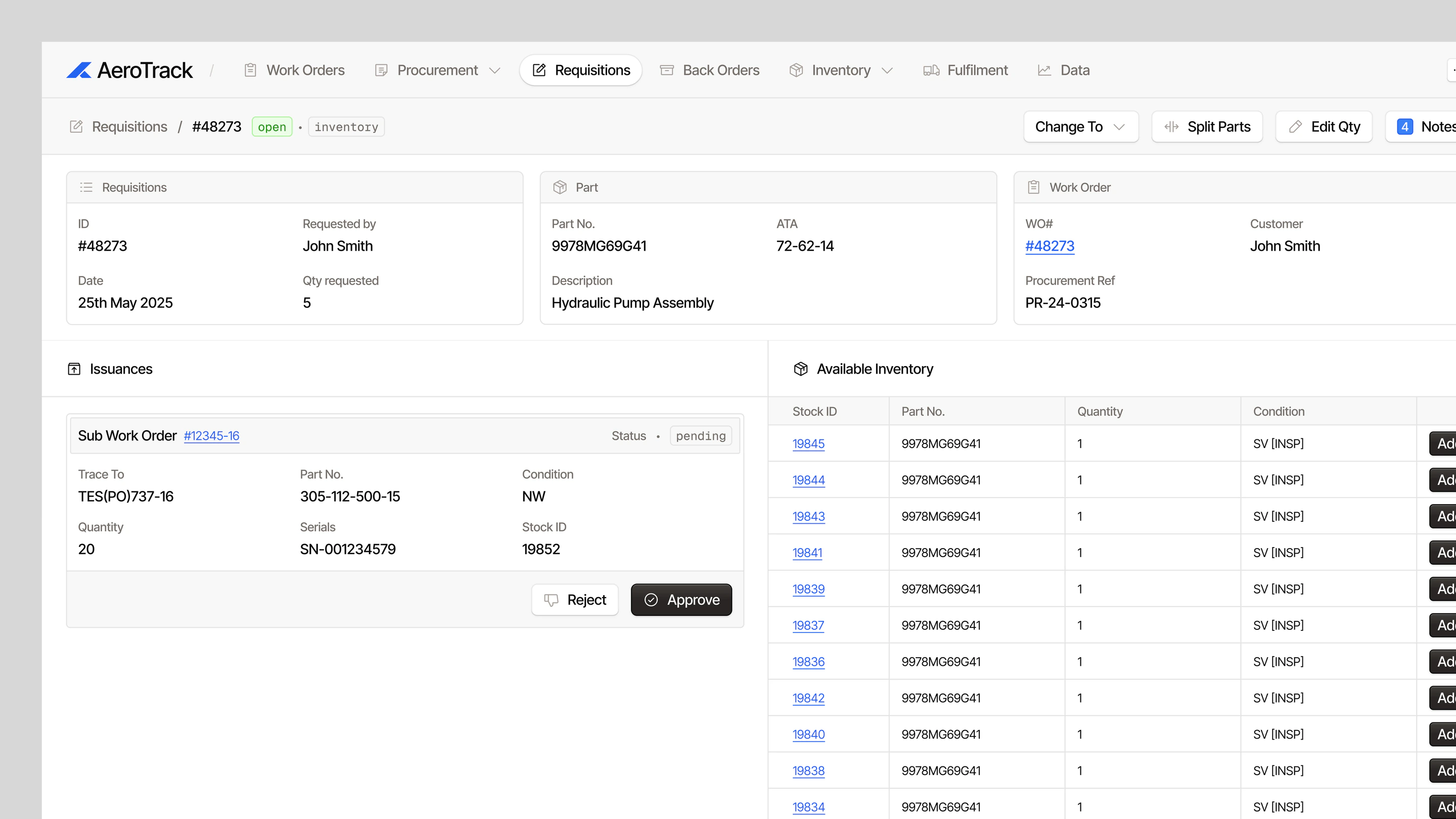
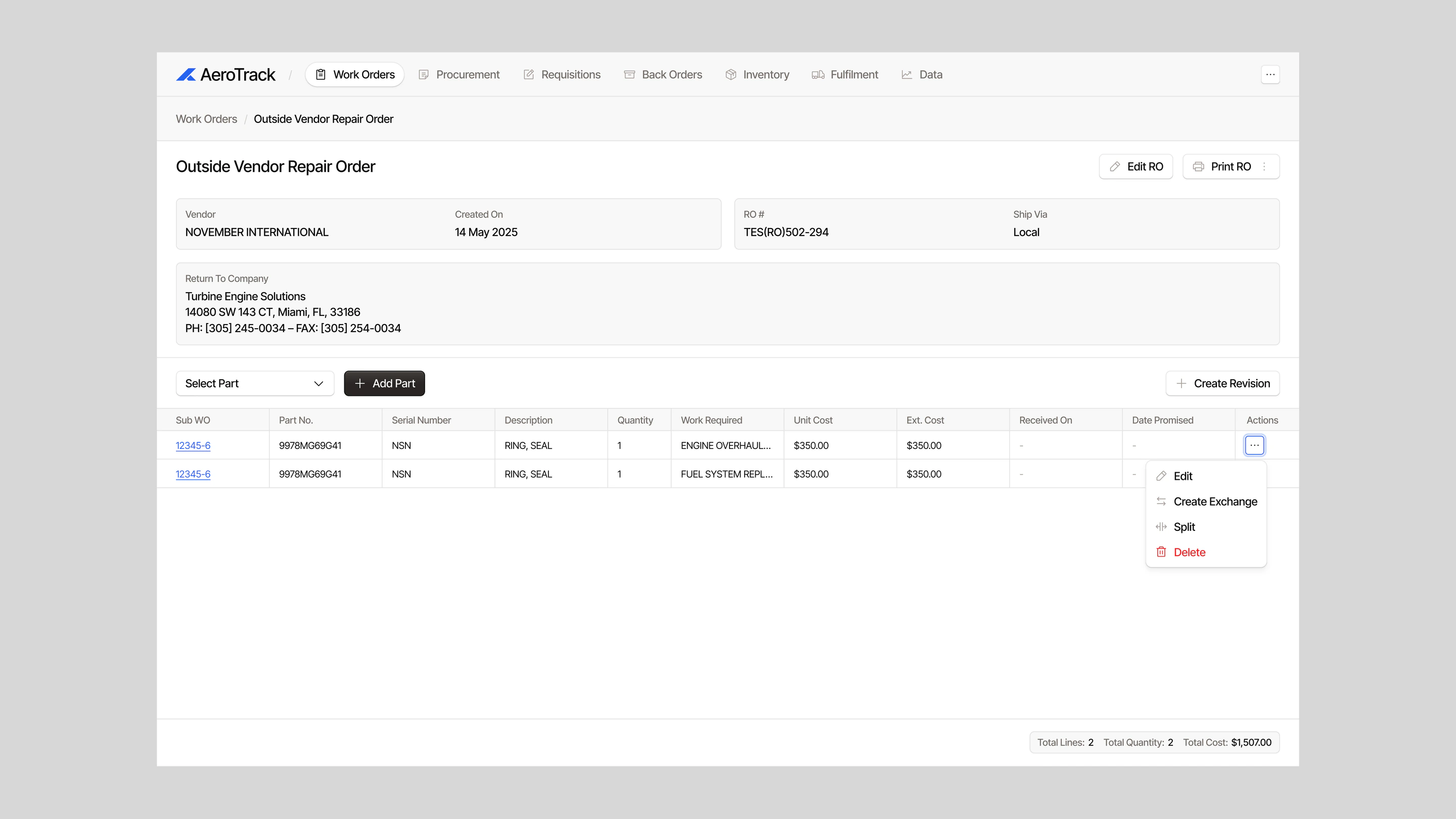
Actions such as creating a requisition, a shipment or a report sit in each record’s header, and details open alongside the list rather than replacing it. People can act on a record without losing their place in the wider workflow.
Outcome
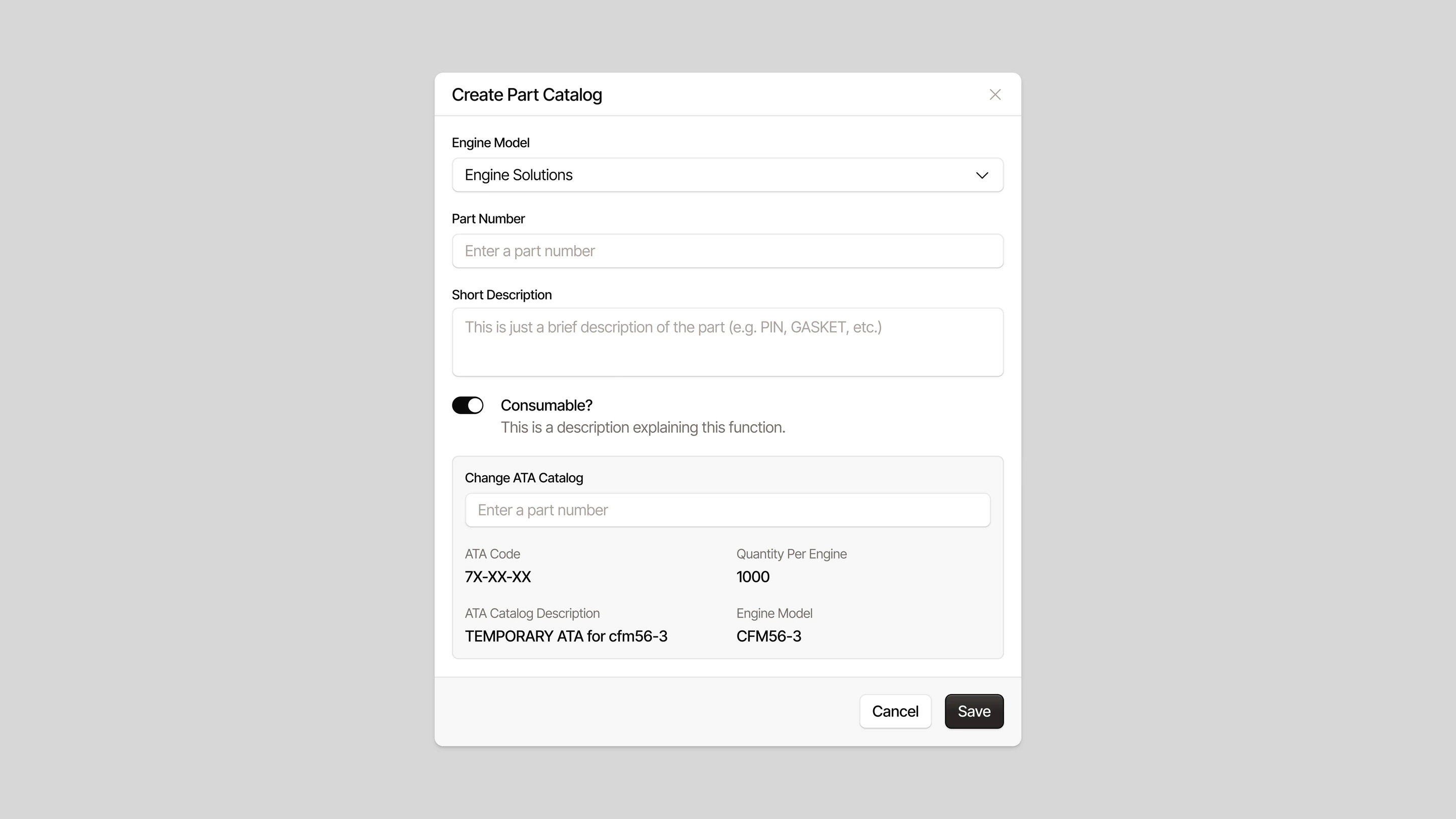
The redesign gave AeroTrack a clearer interface and consistent patterns across its core areas, from work orders to inventory and receiving.
Selected screens