Openlane
- Product
- Compliance automation platform
- Role
- Product Designer
- Engagement
- Sole designerEmbedded, via Exalt Studio6+ months
- Timeframe
- 2025–2026
Making a complex compliance product clearer, more cohesive and easier to use.
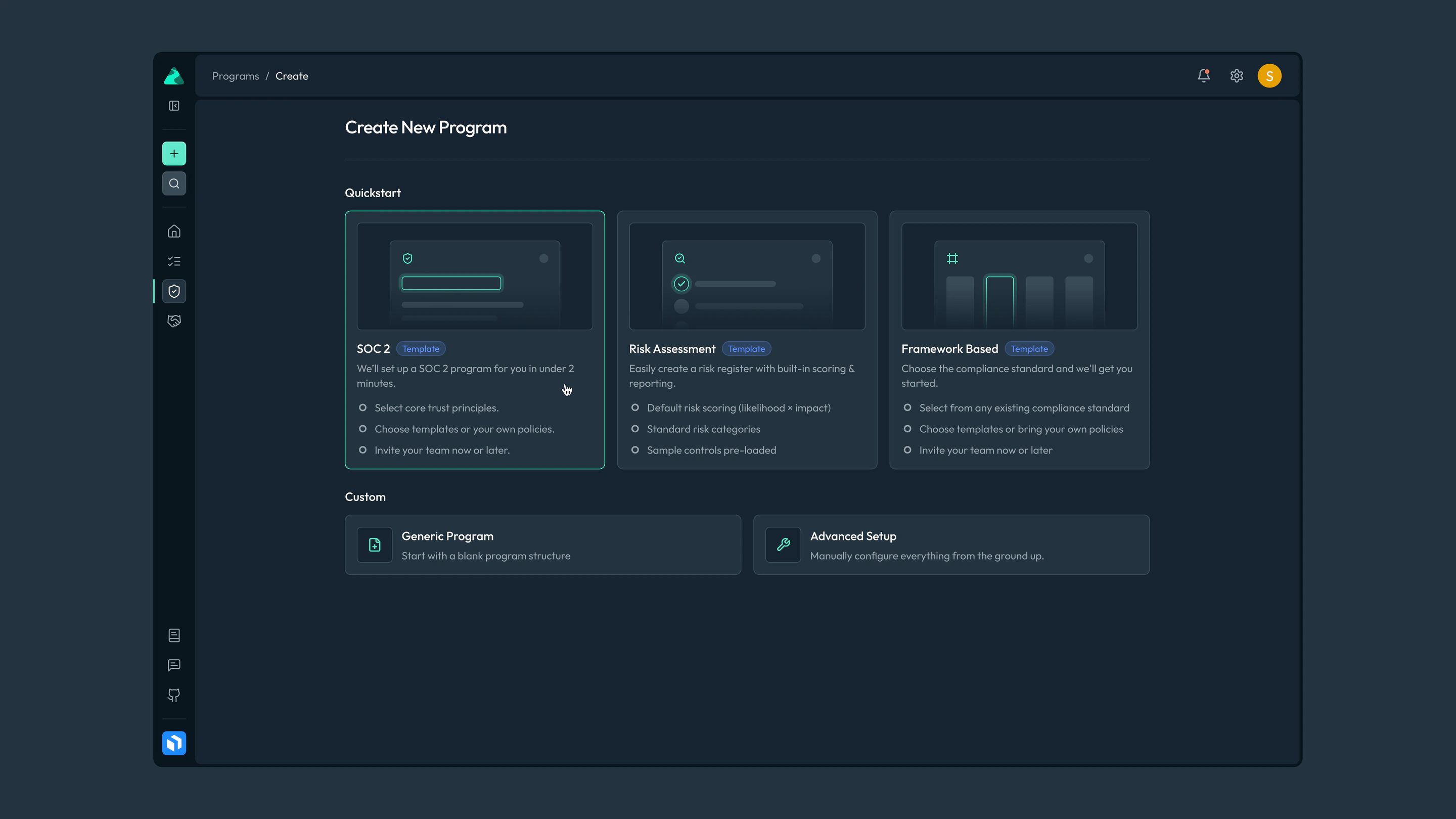
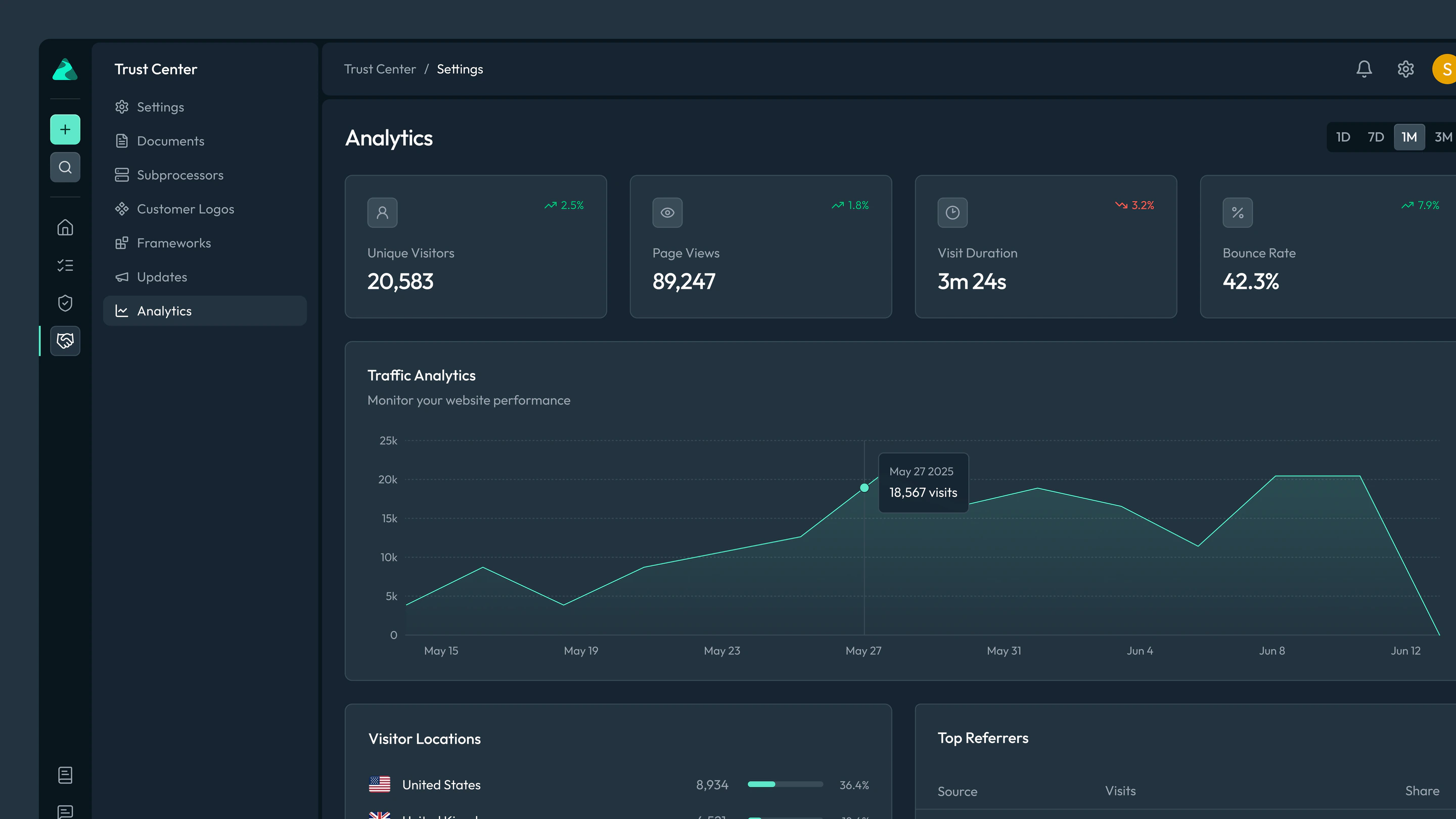
Openlane is a compliance automation platform. Teams use it to run programmes such as SOC 2, managing their policies, controls, evidence and risks in one place, and to share their security posture through a Trust Center.
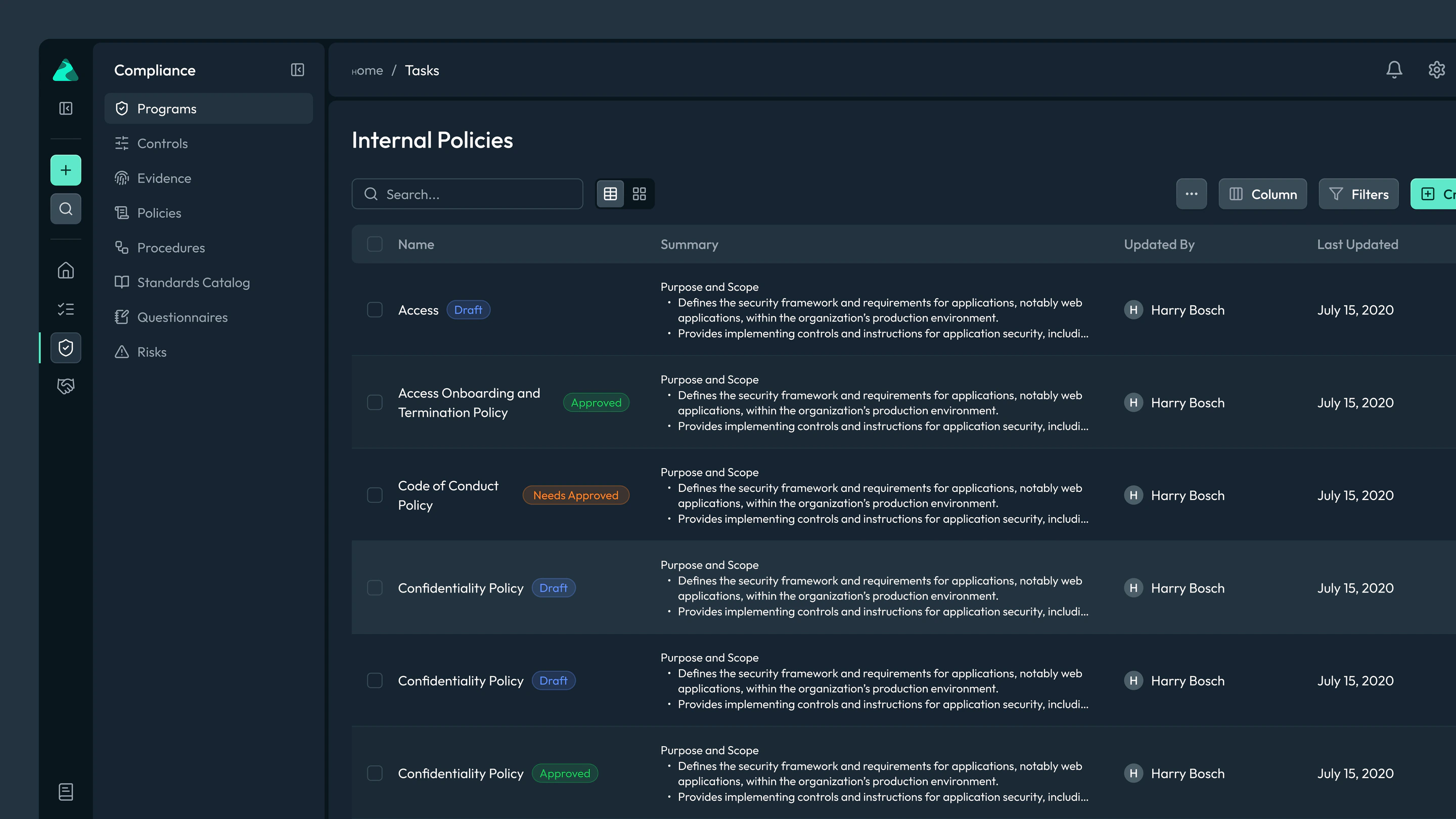
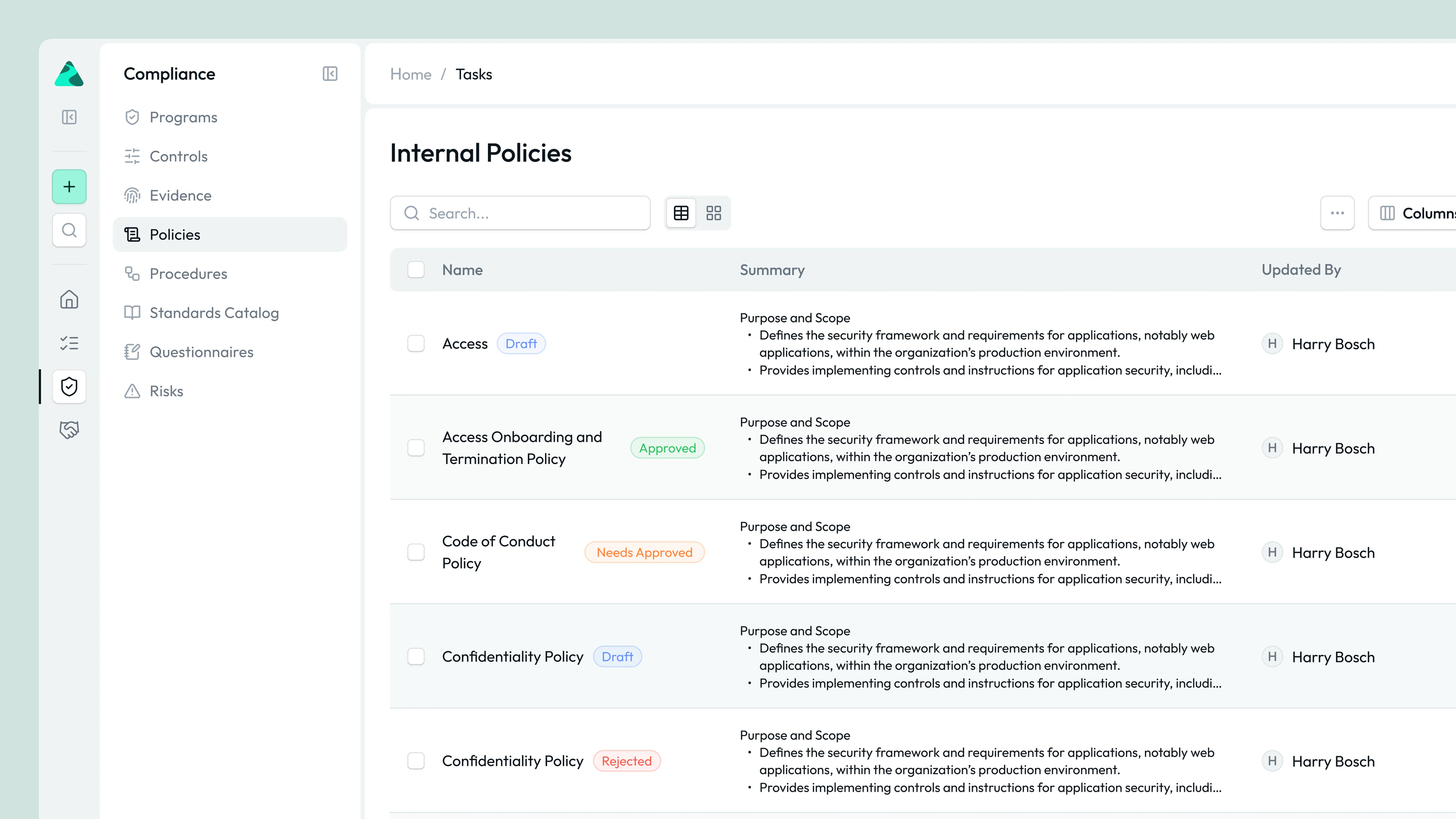
The platform was capable, but its interface hadn’t kept up. Compliance work is dense and repetitive, and the product needed to feel clearer, more consistent and more considered, in both light and dark mode.
My role
I was the sole designer throughout, working embedded with Openlane’s team through Exalt Studio for more than six months. I began with a substantial refactor of the product’s interface, then stayed on to work through UX issues and design new features across the core product.
Key decisions
Start with the foundation
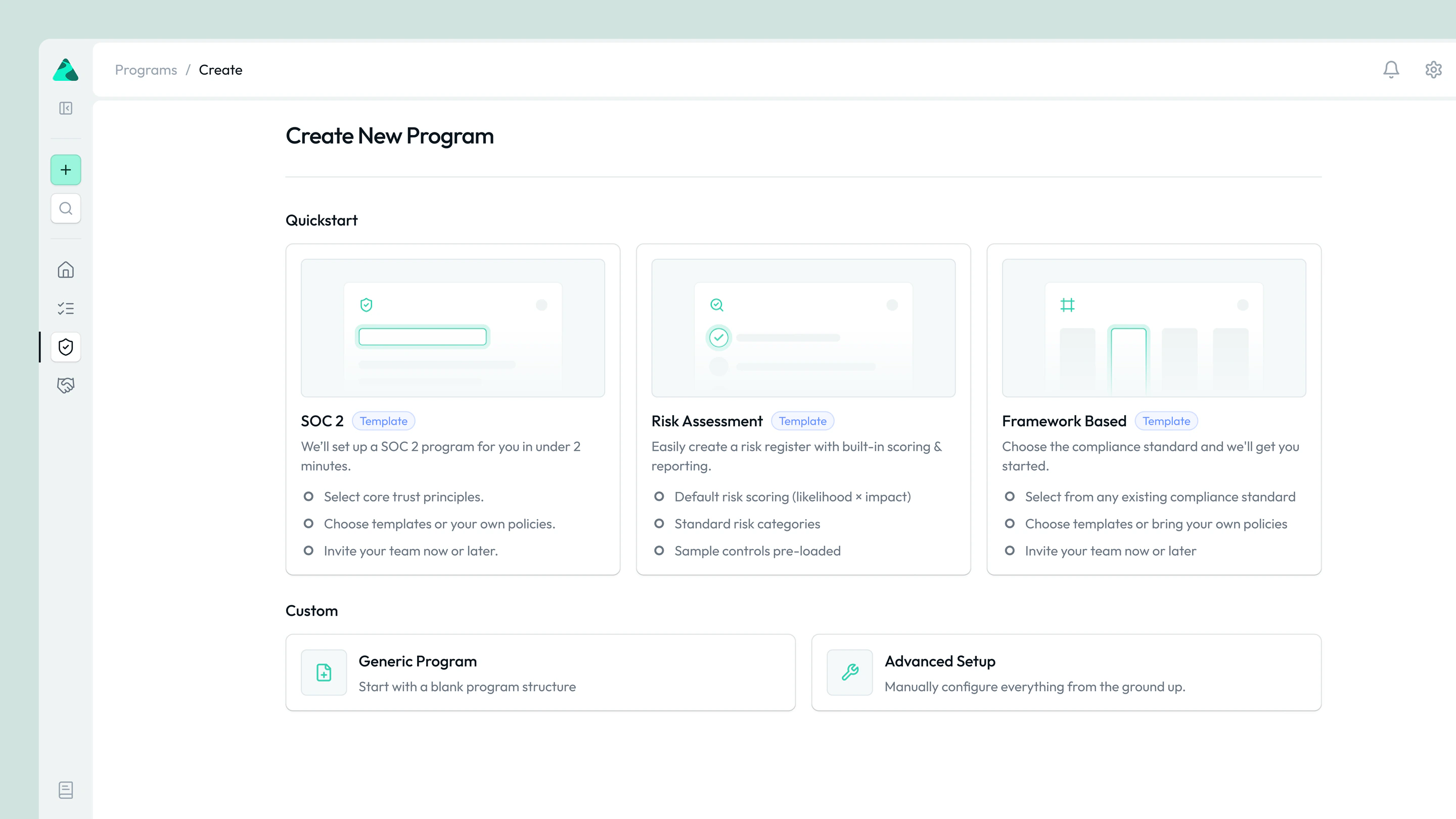
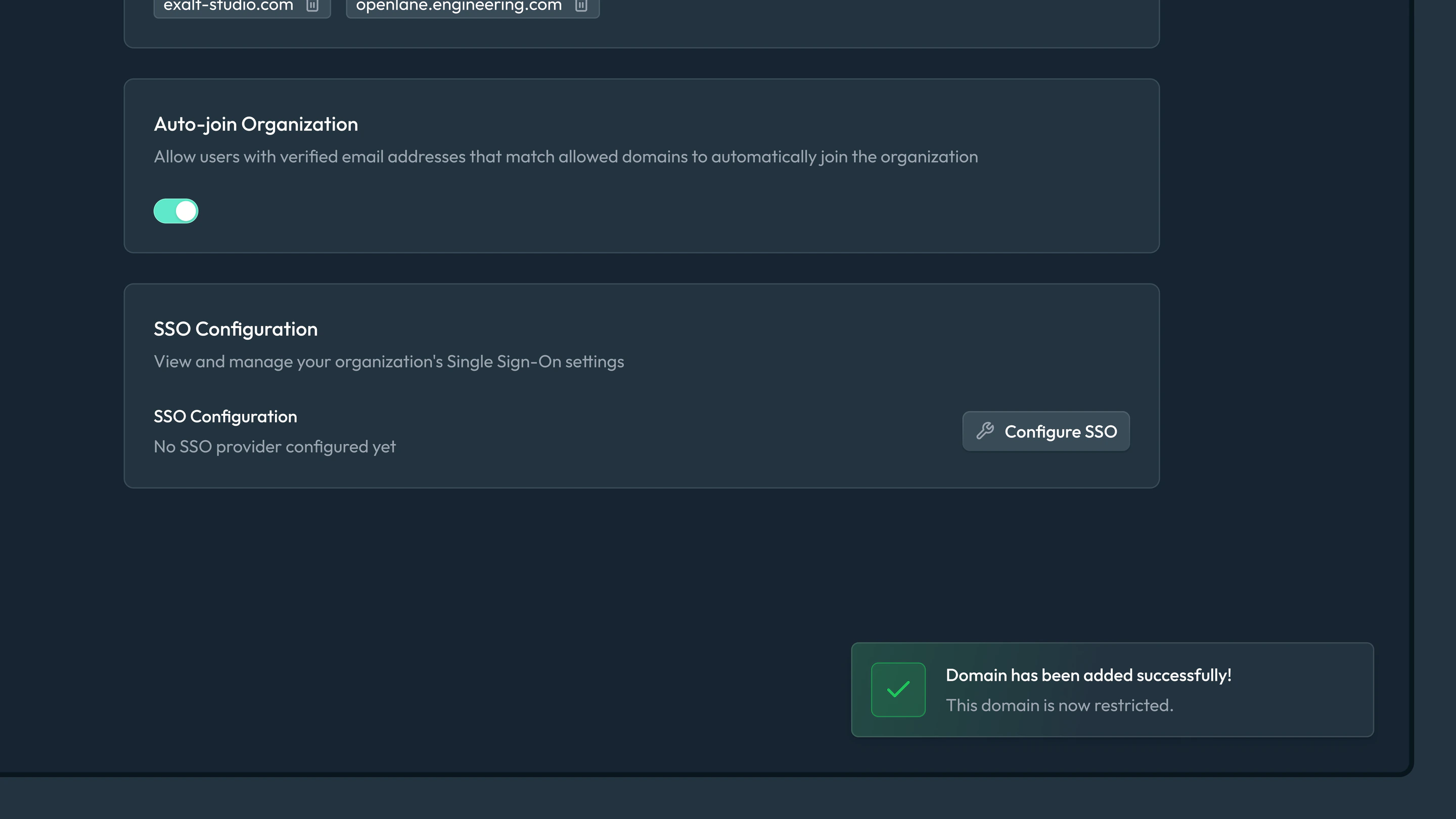
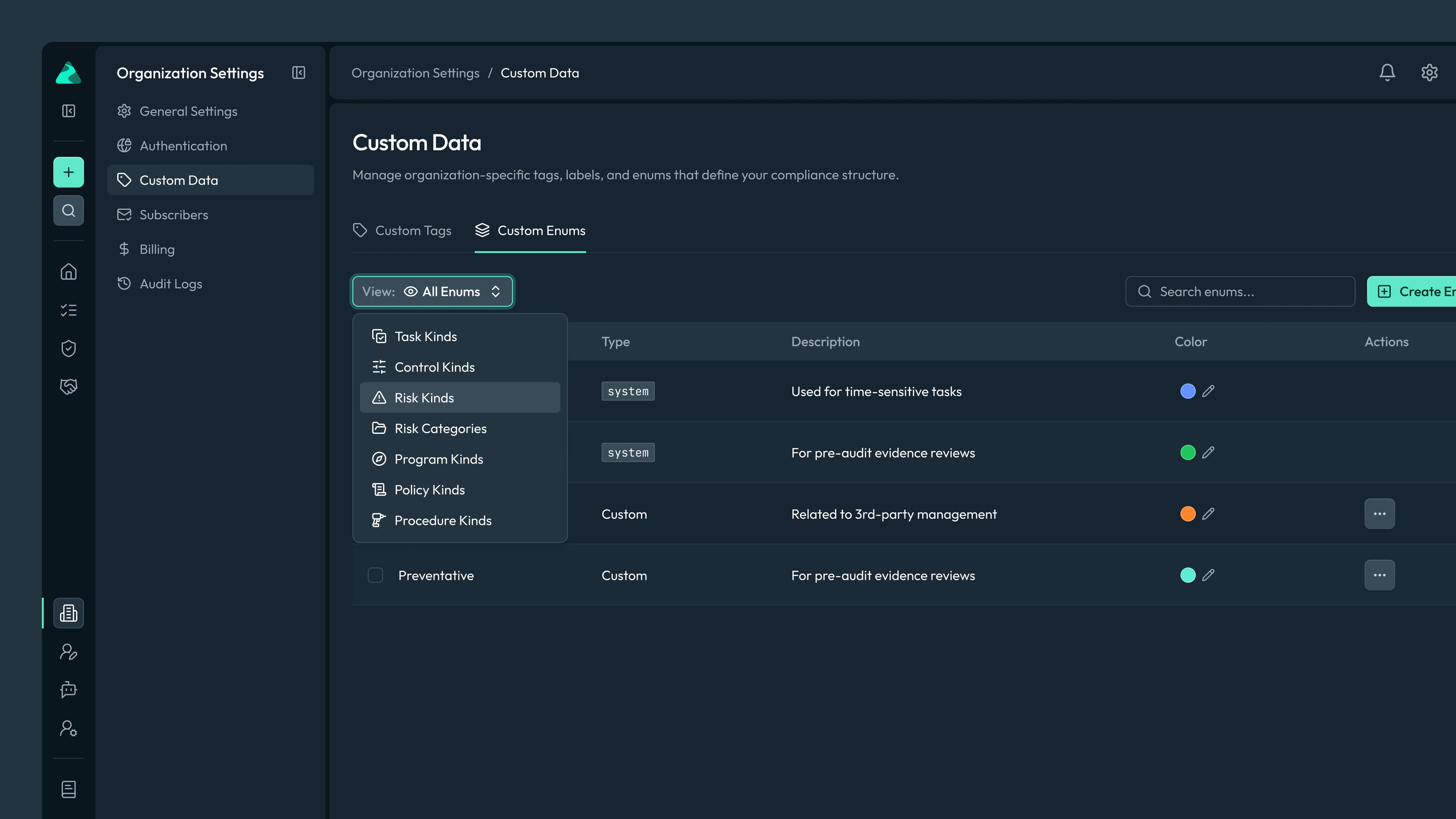
Rather than fixing screens one by one, the engagement began by refactoring the interface as a whole: hierarchy, colour, contrast and components, across light and dark modes. That gave dense compliance workflows a consistent structure, and gave every later feature a system to be designed within.
Stay close to the product
Staying embedded after the refactor meant UX issues and new features were designed alongside the team as they came up, using the same system. This kept the product consistent as the platform grew, instead of drifting back after a one-off redesign.
Outcome
Openlane’s product now has a consistent interface across light and dark modes. It is a foundation the team continued to build new features on during the engagement.
Selected screens